
Cart is empty

Compatibility:
Versions: Cs-cart 4.1.x-4.20.x
Editions: Multivendor Plus, Cs-cart Ultimate, Multivendor, Cs-cart, Multivendor Ultimate
Versions: Cs-cart 4.1.x-4.20.x
Editions: Multivendor Plus, Cs-cart Ultimate, Multivendor, Cs-cart, Multivendor Ultimate
Advantages
6 months free updates
30 days money-back on addons: if the add-on does not fit your needs, just request a refund
easy installation via admin panel without changing root files
free consultation on the addon and help with its installation
Fixed price for Ultimate: no need to pay for each additional storefront
Extended description block
Export categories
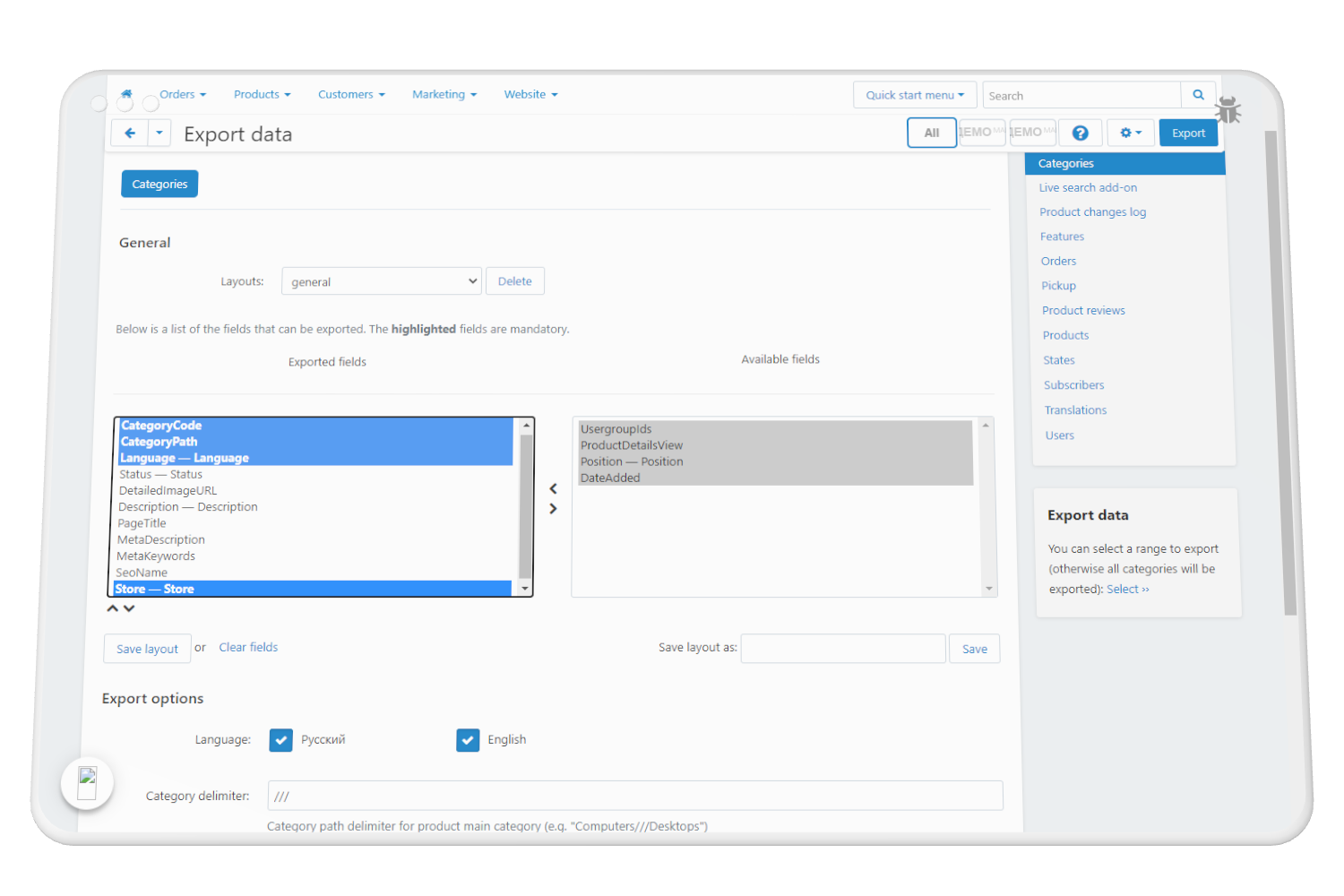
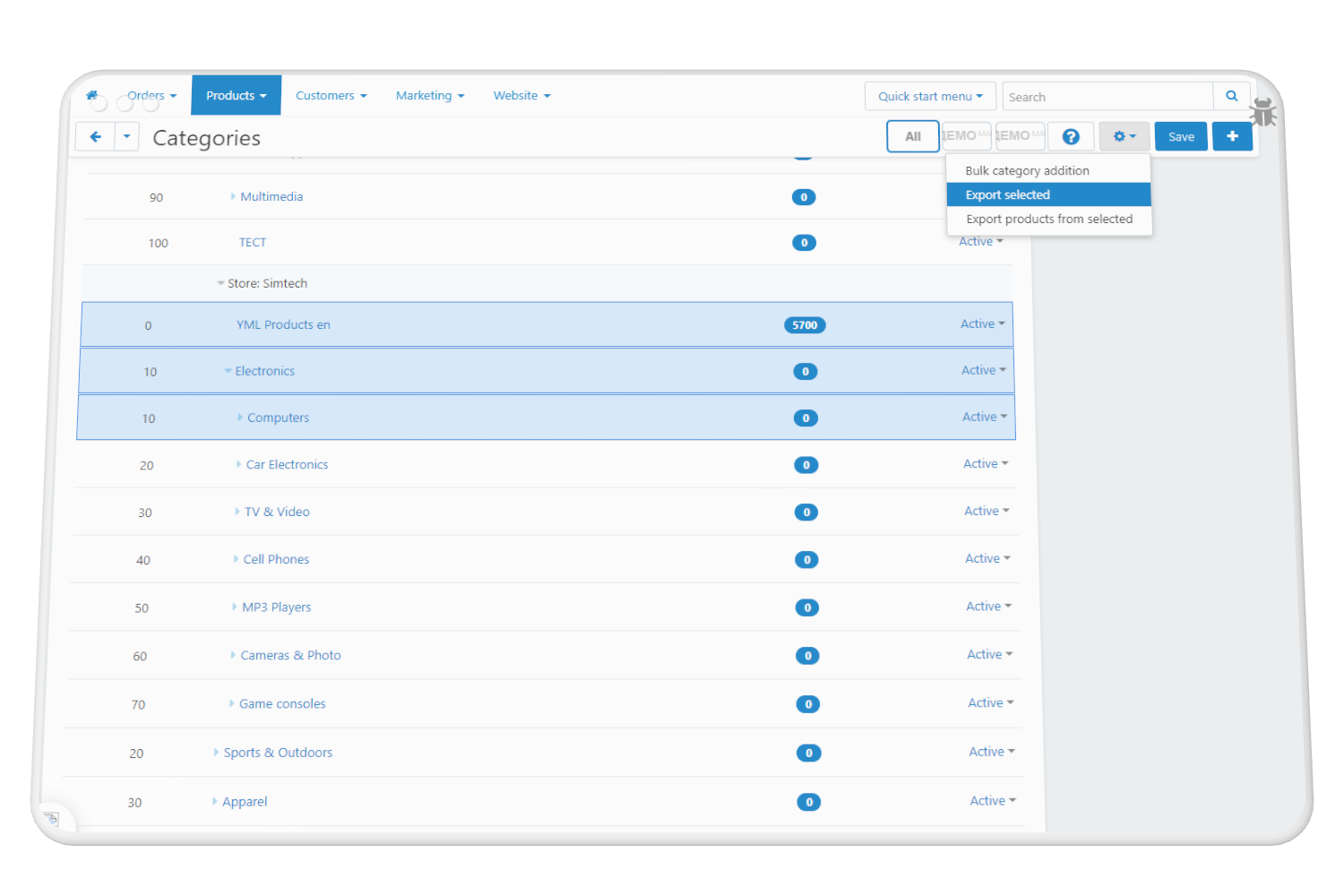
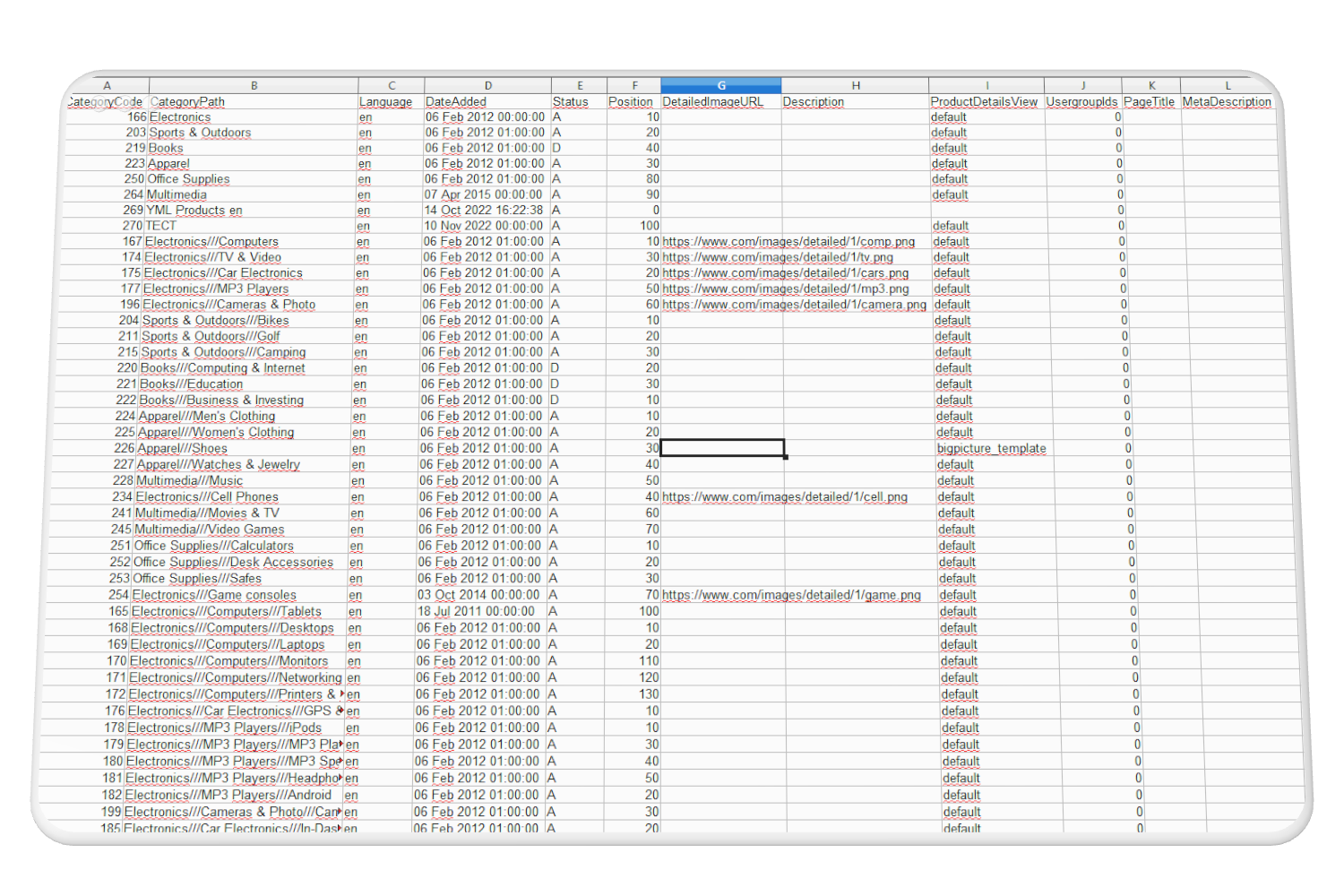
Select fields to export and export your category tree to a csv file. Also, instead of export the entire tree of categories, you can select the categories you are interested in exporting.
Export supports multi-storefronts and multi-language.
Import categories
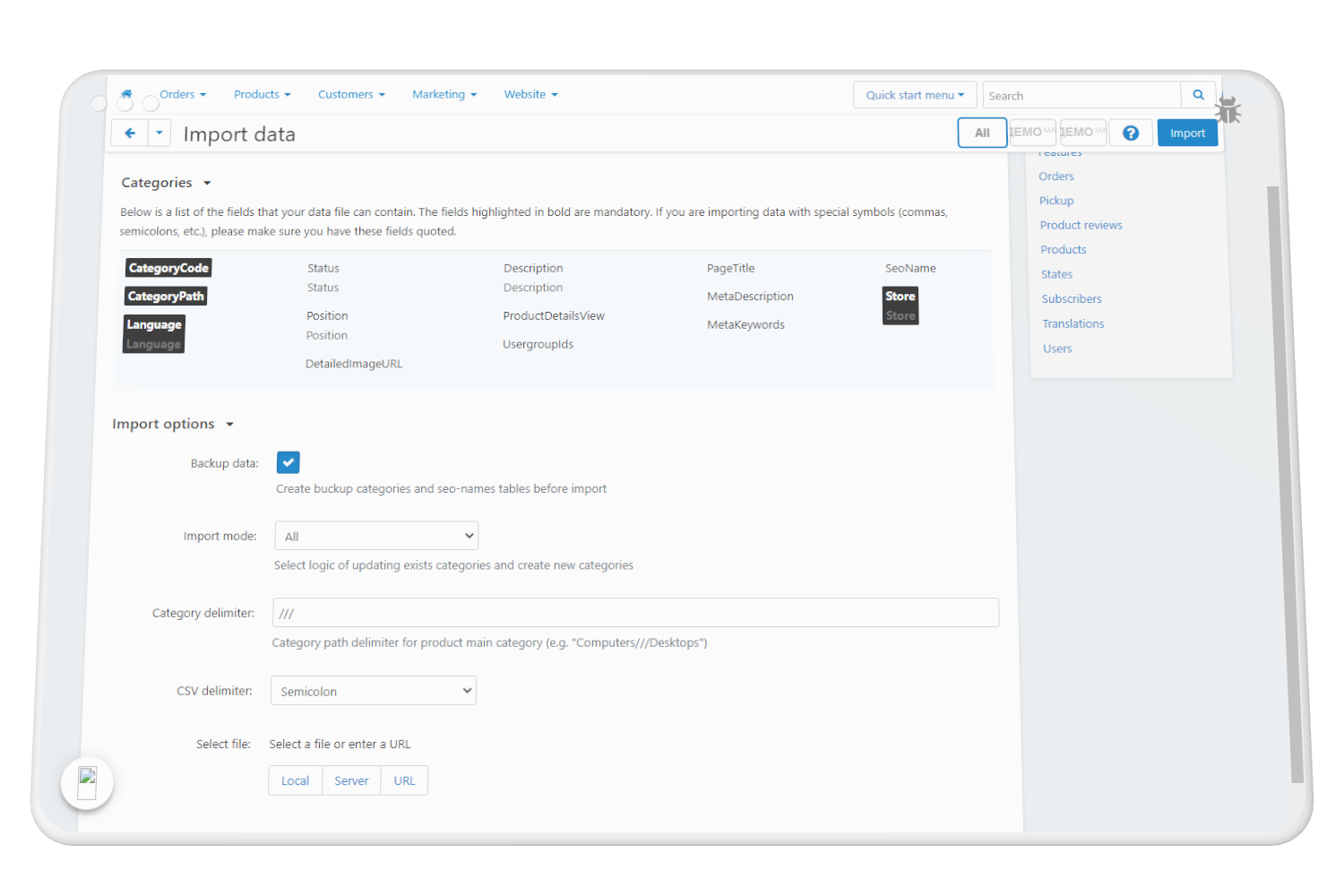
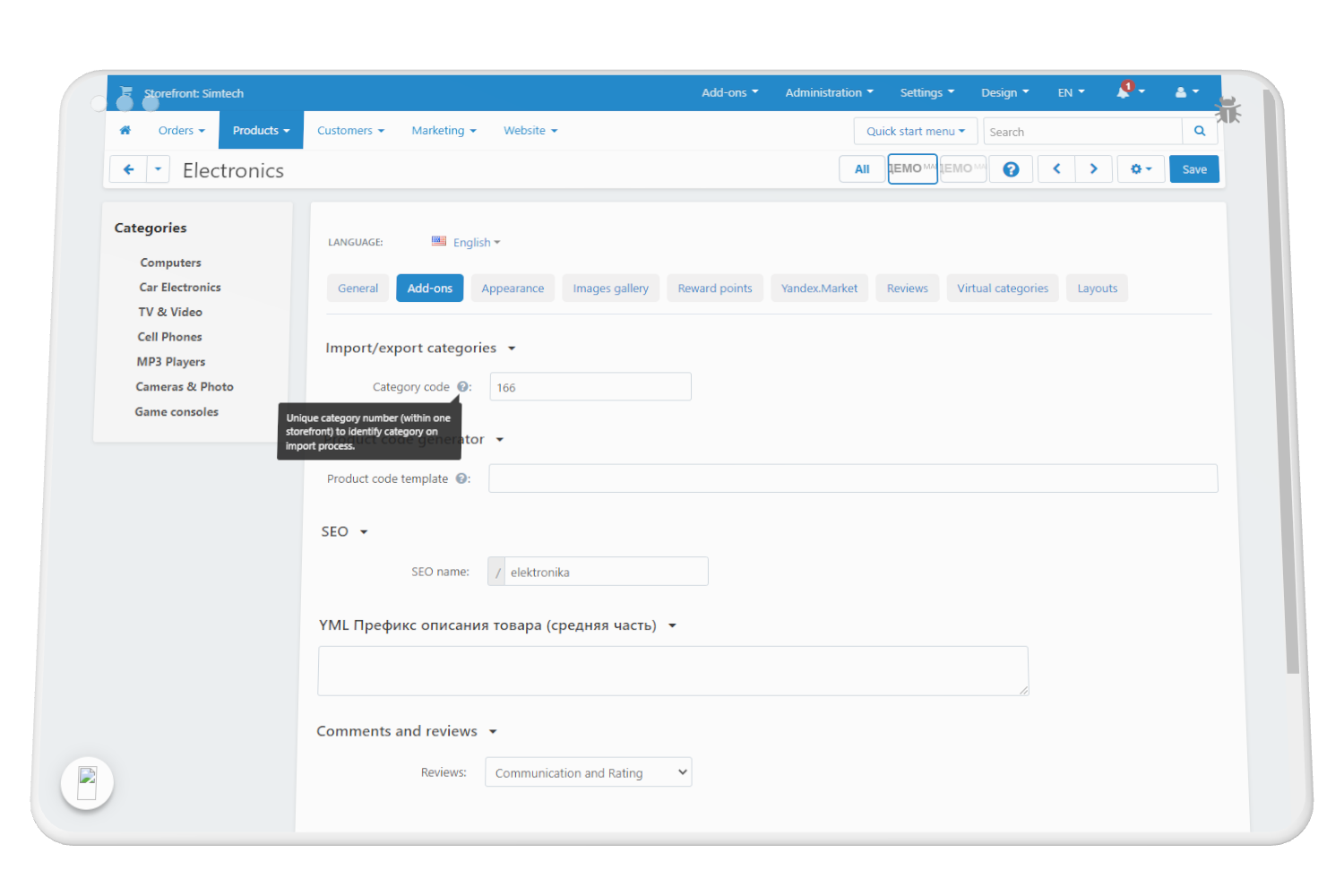
Import categories located in Administration-> Import data -> Categories.
Matching of categories is made by the value "Category code"
There are 3 import scenarios:
- Create and update categories
- Only update existing
- Only create new categories
Also, the option "Backup tables" is provided, which allows you to restore the category structure from the backup file as it was before the import, in case you made a mistake with the category structure in the file.
Import supports multi-storefronts and multi-language.
Buy with this addon
Customers questions
Ask question
No questions yet
Reviews
May 22, 2023